Cheogram Intro
Welcome to Your wifi-only/cellular-optional Burner Number! Provided by https://JMP.chat via Your Friends
JMP.chat provides the number, I buy numbers, all JMP knows about me is my account pays them so mayyybe my name if they were lyin about no log retention/no jurisdiction under U.S. law
For now this space (the Cheogram app) exists for VIPs such as yourself to get Cheogram phone numbers and make regular calls/texts without activating your cell connection.
Cheogram itself is not used as a comms channel between us, just how you manage and use your number.
Benefits
- real phone number but no cellular connection needed
- theres the OPTION to buy a sim/esim and data plan if you need cellular sometimes, so you have great flexibility
- can burn the number any time/keep it as.long as you want
- very little KYC for me (sending them bank payment in Canada) and privacy-focused small operation, there are diminishing returns on them trying to be a honeypot.
So far the only ppl here are the three of us, you wld be 4 and 5 on the family plan w 0 KYC that is provided by a canadian company as in bank account and servers in Canada.
This is my family plan. Numbers are paid by me to JMP’s bank in Canada, given out to you. From JMP’s perspective, they don’t know anything about who’s using the phone number (without being up to some tricky stuff.ofc).
You can use Cheogram similarly to Signal or WhatsApp with e2e between Cheo contacts.
Think WhatsApp Rules: Best Results when Two Ppl Are in Each Others Contacts, and Sometimes Adding Someone as a contact on Your End Solves Any Issues
1. Download Cheogram
https://f-droid.org/packages/com.cheogram.android
2. Sign in to Cheogram Using These Credentials—your Jabber ID Which is Linked to Phone Number
You are free to change password, change to a different username, or just be happy w your random animal
(・∀・)
Lemur
login to cheogram w jabber ID
lemur@opensourcedemocracy.snikket.chat
password
8QG7K8DcgRY*M1$yNwW2#wrzg8bR9f%mbQ&tvv4jFgFR&cZ57cq3%
Your phone number is
(614) 626-5674
Hummingbird
login to cheogram w jabber ID
hummingbird@opensourcedemocracy.snikket.chat
password
WMz*N49@hFG02KyCkE0XG53tjc58q$BJyJQ&C#h6
Your phone number is
(614) 642-4156
To Manage Your account and Phone Number (everything except Password Reset Which You Need a Link from Me for)
1. Go to main page in Cheogram app
’+’ icon ⇒ add new contact
In Jabber ID field, type JUST cheogram.com and ignore any warnings. Add as contact and start chat, you should see a commands tab or type help in the chat
To Make a Normal Phone Call to a Regular Phone
1. Go to Main Page in Cheogram App
’+’ icon ⇒ add new contact
2. Select the Phone Option (vs Jabber id) and Enter 10 Digit Phone Number
3. Add as contact/save to Device (even if You Already Have Them as a contact elsewhere)
What you are doing here is adding @cheogram.com to the number, which you have to do in the app, not from device contacts
Example
4. Then Open a Chat W that contact and Initiate a Call (upper Right Corner button)
Its a bit of a fiddly process (might have to create new Jabber contacts for everyone you need) but its a 0 KYC phone number that works entirely on WiFi with the option to get a data plan sim if you want. But you dont NEED cellular to make calls/texts now!
So always be encryptin (https, DNS, VPN blah blah)
and you’re better off than you started!
Cheo Settings to Make Phone Calls (you Can Choose to Integrate the System Dialer but Lets not Get Crazy here)
Manage accounts
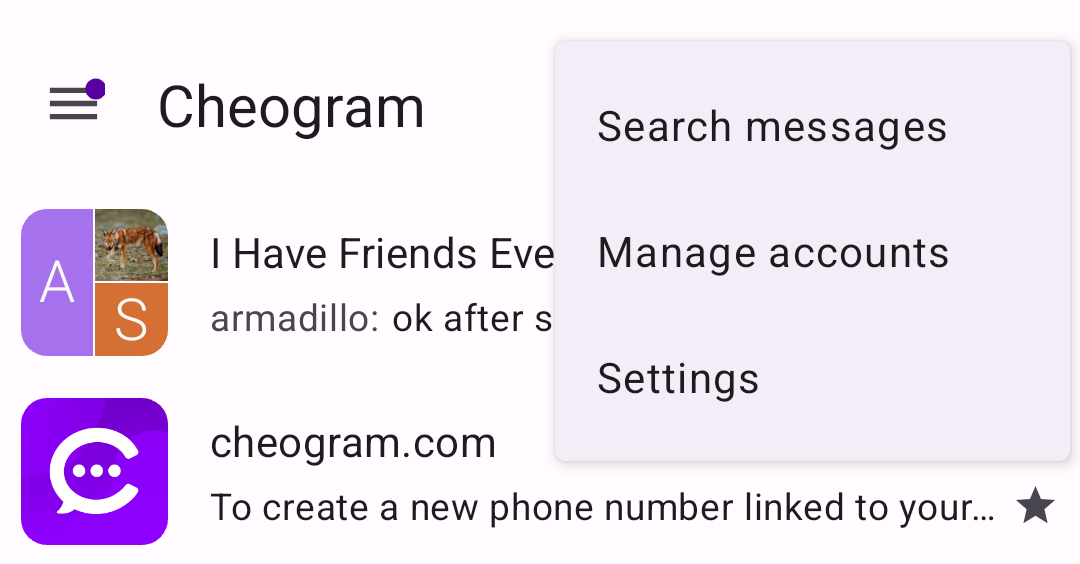
⇒Manage Phone Accounts
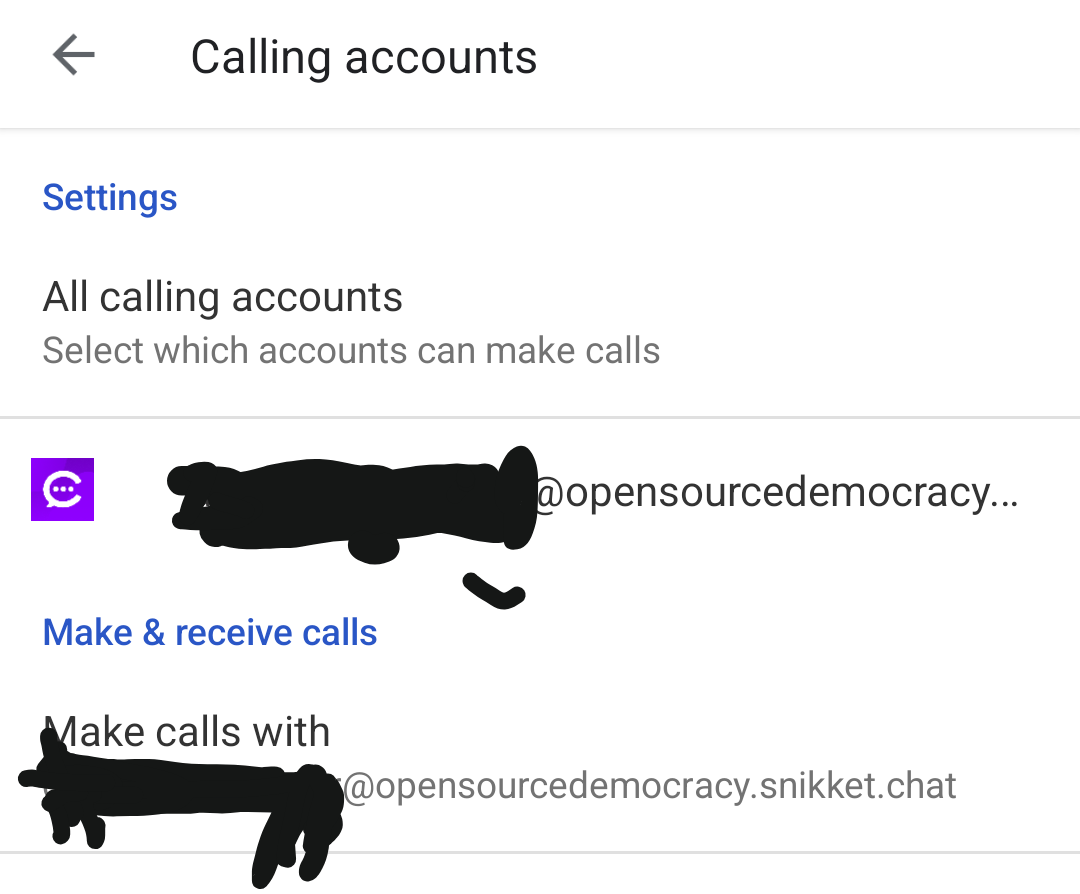
⇒Make and receive calls with your Jabber ID